
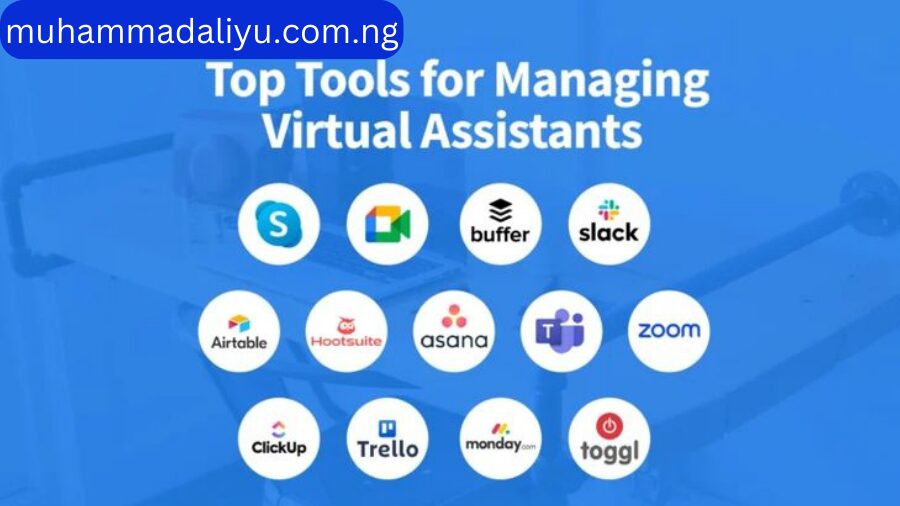
Running a business is no small feat. Entrepreneurs often find themselves drowning in administrative tasks between managing emails, scheduling meetings, handling client communications, and tracking projects. That’s where a Virtual Assistant comes in—armed with the right tools to optimize operations, boost productivity, and free up time for business owners to focus on growth.
As an expert virtual assistant, I leverage powerful tools that make business operations seamless. In this post, I’ll walk you through 10 must-have tools that every business can benefit from—and how I can help you implement them effectively.
1. Trello – For Task & Project Management
Trello is a game-changer when it comes to organizing tasks. It allows teams to collaborate visually with boards, lists, and cards, making project tracking effortless. If you struggle with keeping tasks on schedule, I can set up a system that works best for your workflow.
2. Asana – For Advanced Project Coordination
Need a more detailed project management tool? Asana helps track deadlines, assign tasks, and manage multiple projects simultaneously. I use Asana to streamline workflow and ensure nothing falls through the cracks.
3. Google Workspace – For Seamless Collaboration
From Gmail to Google Drive, Docs, and Sheets, Google Workspace enables smooth team collaboration. I use it daily for document sharing, cloud storage, and email management to keep business operations running smoothly.
4. Calendly – For Scheduling Without the Back-and-Forth
Tired of endless email exchanges just to schedule a meeting? Calendly allows clients to book available time slots without hassle. I can integrate it with your calendar to automate scheduling and reduce time wasted on coordination.
5. Slack – For Instant Team Communication
Emails can be slow and overwhelming. Slack provides instant communication, organized by channels, so teams stay updated in real time. I use Slack to ensure smooth communication between teams and departments.
6. Expensify – For Expense & Financial Tracking
Tracking expenses manually is time-consuming. Expensify automates expense reports, receipt scanning, and financial tracking. As your VA, I can help manage your expenses and ensure financial clarity.
7. Notion – For All-in-One Knowledge Management
Notion is a versatile tool for organizing business documents, meeting notes, and workflows. I create customized Notion workspaces to keep all business processes well-documented and easily accessible.
8. HubSpot – For Customer Relationship Management (CRM)
Managing customer interactions effectively is crucial for business growth. HubSpot CRM keeps client records organized, tracks leads and automates follow-ups. I can set up and manage your CRM system for better client relations.
9. Zapier – For Automation & Workflow Integration
Want to automate repetitive tasks? Zapier connects different apps and automates workflows, saving hours of manual work. I use Zapier to integrate business tools and optimize efficiency.
10. Loom – For Quick Video Messaging & Training
Need to explain a process without typing long emails? Loom allows screen recording and video messaging, making communication faster and clearer. I use Loom to create training videos, explain tasks, and improve client interactions.
Conclusion: Let’s Optimize Your Business Operations
The right tools can make a significant difference in how efficiently your business runs. However, using these tools effectively requires expertise. As a Virtual Assistant, I help businesses implement, manage, and optimize these tools to save time, improve productivity, and ensure seamless operations.
Are you ready to streamline your business and free up your time? Let’s discuss how I can help! Contact me today to get started.